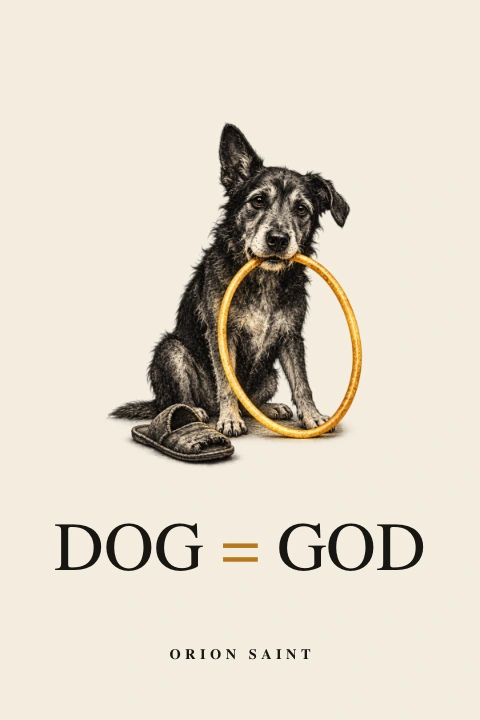
 DOG = GODCollected edition · EN
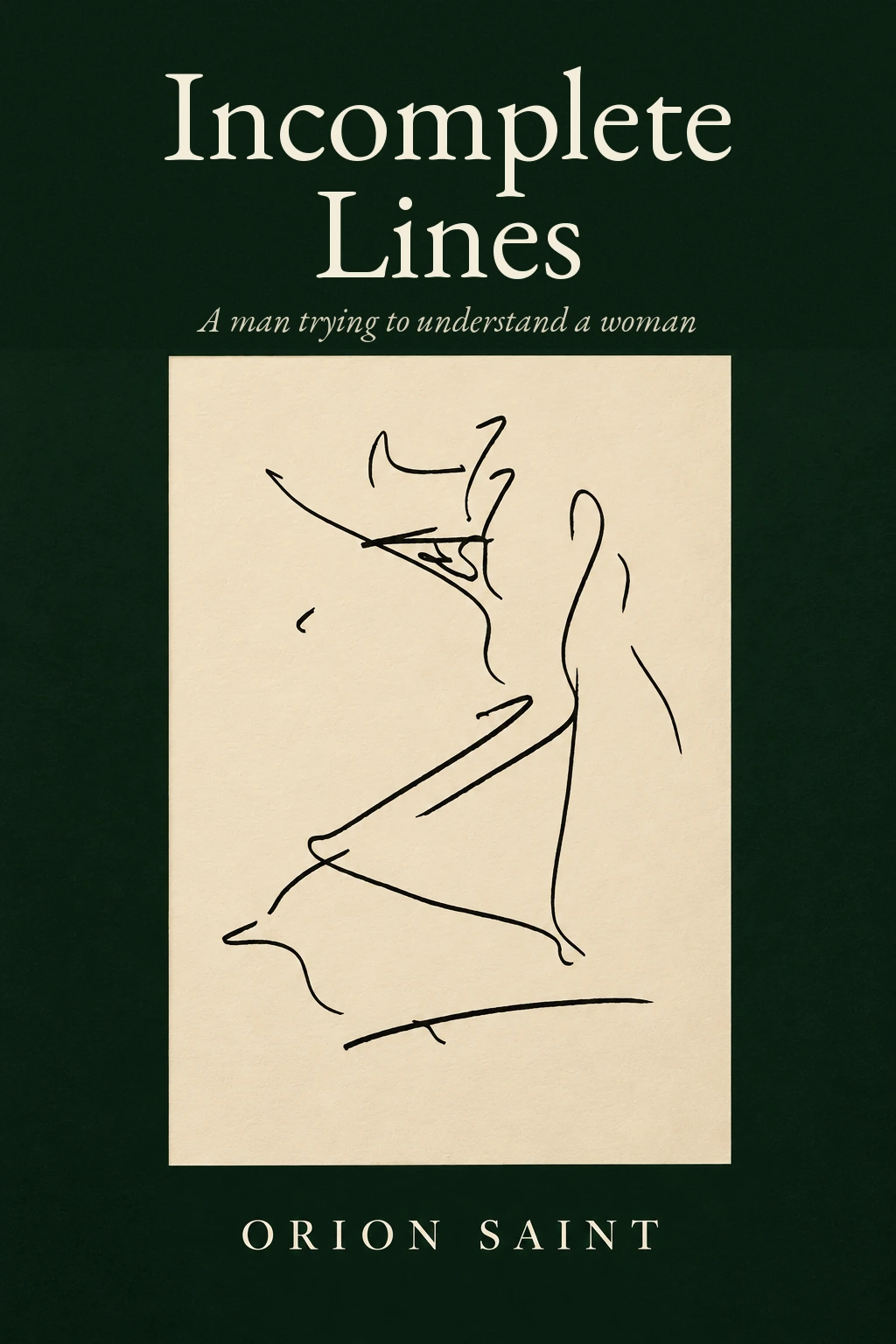 Incomplete LinesOpening chapter · EN
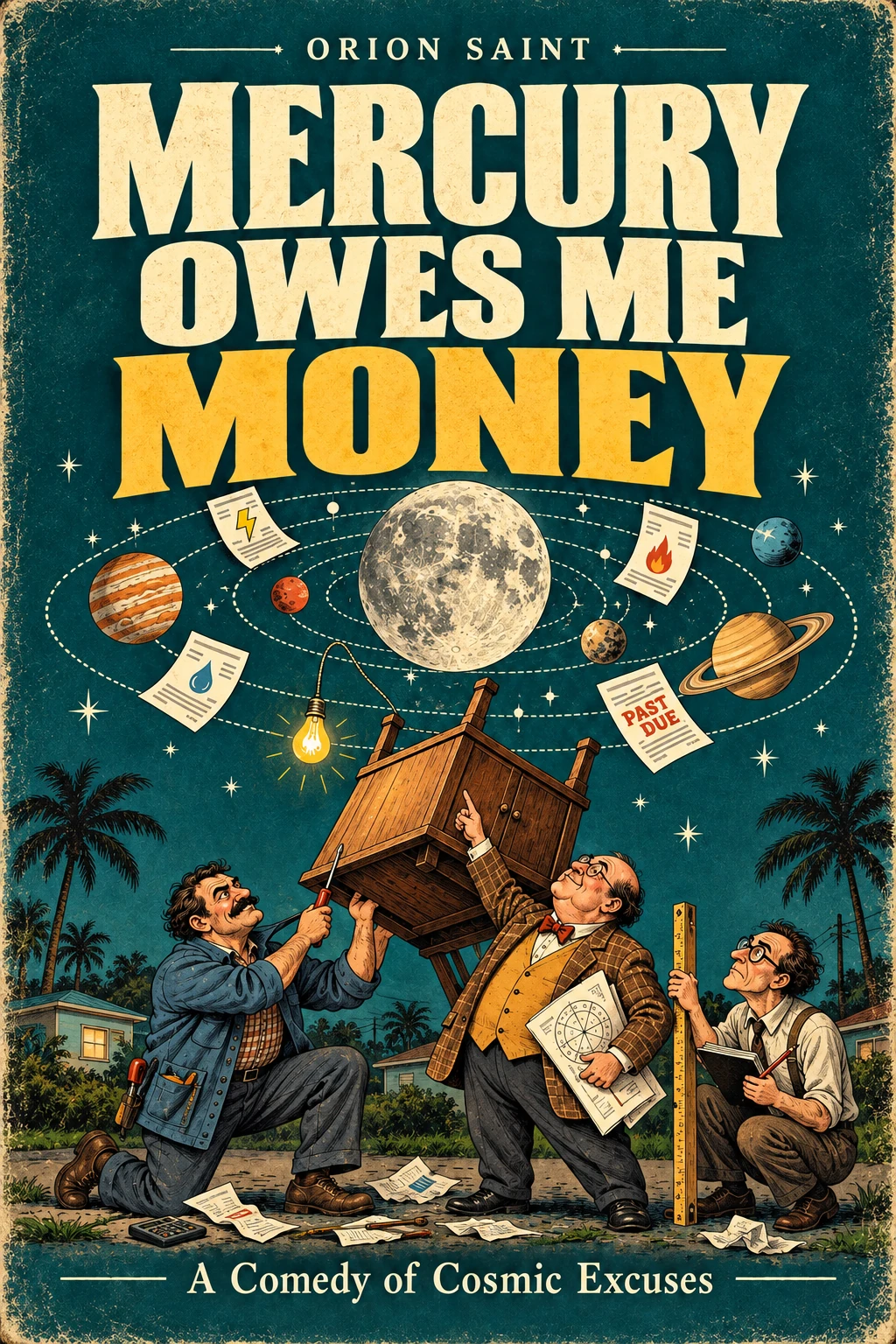 Mercury Owes Me MoneyComplete edition · EN
 Бог и огледалотоComplete edition · BG
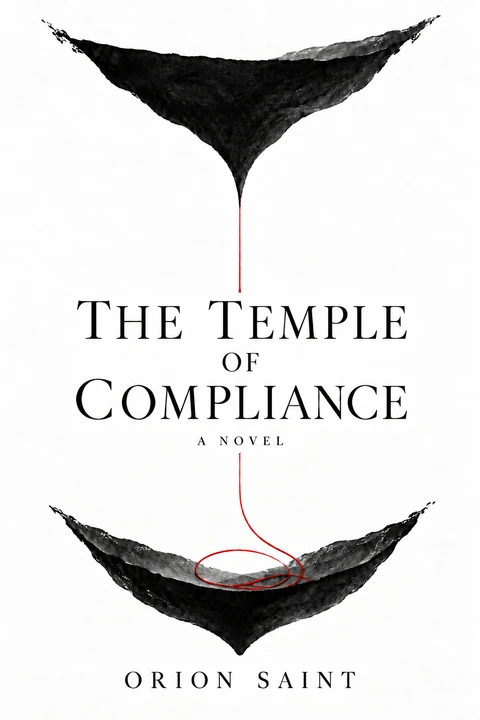 The Temple of ComplianceComplete edition · EN · 18+
A quiet place for another page
Open a book.
Preparing the reading desk…
Swipe or use ← → to turn · Home / End for the first or last page · Zoom to inspect the artwork
Reading help & accessible alternatives
Two-page spreads show facing pages on wide screens. Phones use one page. At larger zoom levels, scroll to explore the page; swipe-to-turn pauses while zoomed. Keyboard shortcuts work when the book or its navigation has focus.
Text view provides selectable text from the original edition with no page-turn animation. Scanned artwork may have no embedded text. The original PDF remains available above. Page numbers refer to the PDF file, including its cover; Incomplete Lines uses separate preview numbering.